
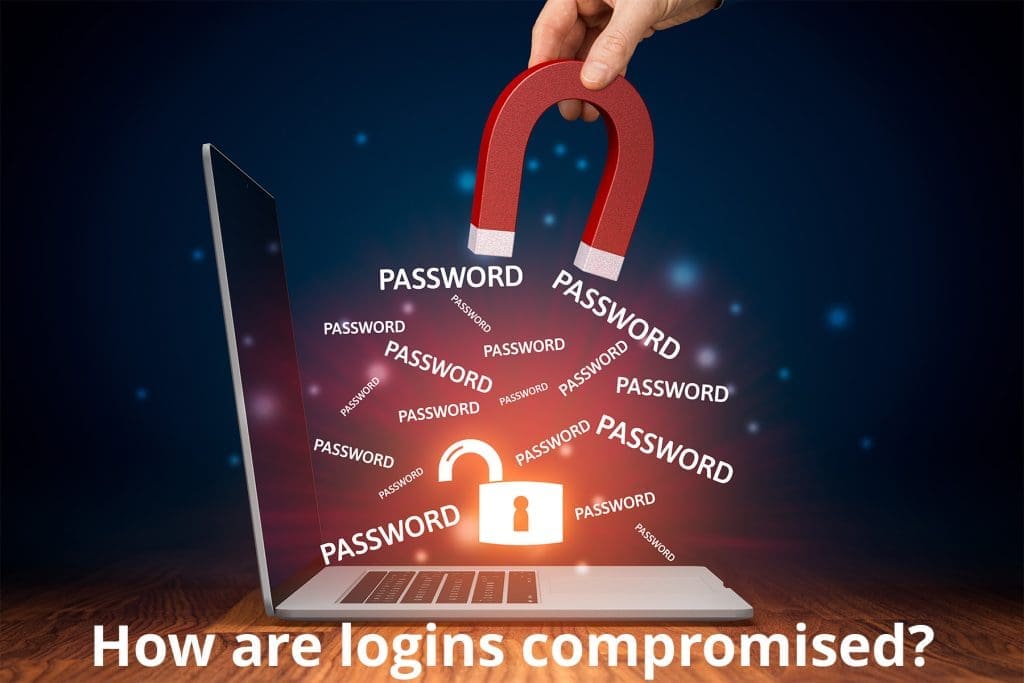
The most common entry point for bad actors is a stolen employee login. Depending on your layers of cyber security efforts, unauthorized access to employee accounts can pose significant risks to your business. How are logins compromised? Let’s talk through it and discuss strategies to mitigate the risks.
- Phishing Attacks: Phishing remains one of the most prevalent methods used by cybercriminals to compromise employee logins. These attacks typically involve fraudulent emails or messages designed to trick recipients into divulging sensitive information such as usernames, passwords, or account credentials. These emails often appear legitimate, mimicking the branding of reputable companies or colleagues, making it easy for unsuspecting employees to fall victim. To combat phishing attacks, it’s crucial to educate employees about how to identify suspicious emails, avoid clicking on links or attachments from unknown sources, and verify the authenticity of requests for sensitive information.
- Weak Passwords: Weak or easily guessable passwords are a common vulnerability that can be exploited by hackers to gain unauthorized access to employee accounts. Many employees still use passwords that are easy to remember but also easy to crack, such as “password123” or “123456.” Additionally, using the same password across multiple accounts increases the risk of a security breach. Encourage employees to create strong, complex passwords containing a combination of letters, numbers, and special characters. Implementing multi-factor authentication (MFA) adds an extra layer of security by requiring users to provide additional verification, such as a one-time code sent to their mobile device, before accessing their accounts.
- Brute Force Attacks: Brute force attacks involve automated programs that systematically attempt to guess passwords until the correct one is found. These attacks can be particularly effective against accounts with weak or easily guessable passwords. Implementing account lockout policies, which temporarily lock user accounts after a certain number of unsuccessful login attempts, can help mitigate the risk of brute force attacks. Additionally, regularly monitoring login attempts and implementing intrusion detection systems can help identify and thwart suspicious activity before it leads to a security breach.
- Stolen Credentials: In some cases, cybercriminals may obtain employee login credentials through various means, such as data breaches, malware infections, or insider threats. Once obtained, these stolen credentials can be used to access sensitive company information or carry out malicious activities. Regularly updating passwords, conducting security audits, and implementing user access controls can help prevent unauthorized access to sensitive systems and data. Additionally, educating employees about the importance of safeguarding their login credentials and reporting any suspicious activity can help mitigate the risk of credential theft.
- Unsecured Networks: Unsecured networks. Public Wi-Fi networks, for example, pose significant risks as they are often unencrypted, making it easier for hackers to intercept sensitive data transmitted over the network. Encourage employees to use virtual private networks (VPNs) when connecting to public Wi-Fi networks to encrypt their internet traffic and enhance security.
Employees don’t have to be your weakest link when it comes to cyber security. Turn them into warriors by educating them about cybersecurity best practices, enforcing strong password policies, implementing multi-factor authentication, and regularly monitoring for suspicious activity. Remember, cybersecurity is everyone’s responsibility, and proactive measures are key to maintaining a secure and resilient business environment. See where you stand today with our free cybersecurity self-assessment.





We use cookies to improve your experience on our site. By using our site, you consent to cookies.
Manage your cookie preferences below:
Essential cookies enable basic functions and are necessary for the proper function of the website.
Google Tag Manager simplifies the management of marketing tags on your website without code changes.
Statistics cookies collect information anonymously. This information helps us understand how visitors use our website.
Clarity is a web analytics service that tracks and reports website traffic.
Service URL: clarity.microsoft.com (opens in a new window)
Google Analytics is a powerful tool that tracks and analyzes website traffic for informed marketing decisions.
Service URL: policies.google.com (opens in a new window)
Marketing cookies are used to follow visitors to websites. The intention is to show ads that are relevant and engaging to the individual user.
Facebook Pixel is a web analytics service that tracks and reports website traffic.
Service URL: www.facebook.com (opens in a new window)
HubSpot is an all-in-one marketing, sales, and customer service platform that streamlines business growth.
Service URL: legal.hubspot.com (opens in a new window)
You can find more information in our Cookie Policy and .
