
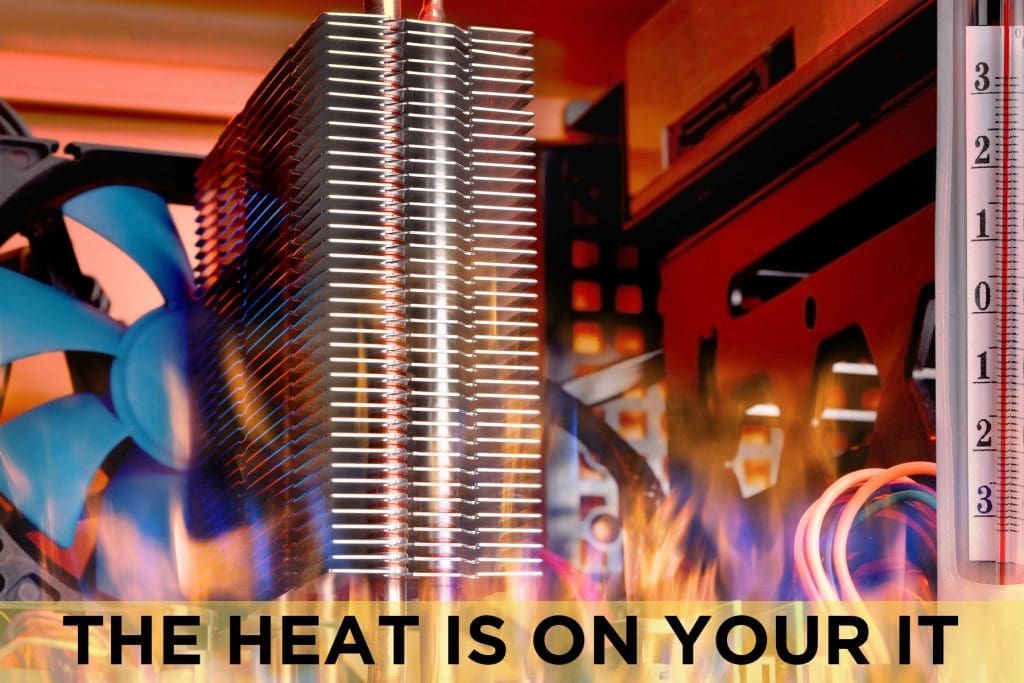
Excess heat can be a BIG problem for your business. Overheated computers, servers, and other technology can cost more in energy, create more frequent failures, and are more likely to crash. This kind of disruption can mean hours or days of downtime, unproductive employees, and vulnerable infrastructure. When the heat is on your IT devices and infrastructure, your business is leaking profit to productivity loss and IT failure costs.
Computers & Devices: Every device is susceptible to heat damage. They can overheat due to internal issues from processing a lot of data or their internal cooling system isn’t enough. They can also overheat due to external issues such as inadequate temperature control in offices or the high summer temperatures plaguing your mobile and fleet workforce. Make sure your devices are built for their environment and use. Commercial/business grade laptops and computers are great for your office staff, but if you have staff working in vehicles, they likely need ruggedized devices that are built to withstand harsher, hotter environments. Make sure your office or vehicle power system is appropriate for your computer use to avoid heat-related electrical issues. If your staff is complaining about slow downs, inspect their devices for heat damage.
Servers: If your server is kept onsite, there are a few preventative steps to keep it from overheating and crashing during hot summer months. Server rooms should be no hotter than 75 degrees Fahrenheit. Keep your server in a dedicated room that can be kept tidy, cool, and closed to seal in cooler air. Servers can also be kept cool in a rack enclosure where the cooling is built into the rack and/or a redundant A/C unit that is specifically designed for computers. Consider virtualization or cloud computing to generate a lower amount of heat and remove this concern from your server.
Heat can damage individual components of devices, slow down your computer and network, or cause data loss. As you navigate through the hotter summer months, make sure to include IT device and infrastructure health as a critical review process. There are solutions and preventions to make sure the computers, servers, and other technology assets you have are working as coolly and efficiently as possible. A managed services provider can help you ensure the longevity of your technology and keeping your processes and data safe.